Most jobbers don’t own trucks — they run on common carriers, and on paperwork: dispatch instructions, freight bills, supplier invoices. FuelJobberX ties all of it to the load. Dispatch goes out by email, every carrier freight bill is matched to its BOL, and every supplier invoice is checked against the carrier bill and the day’s rack price before it becomes a customer invoice. When the numbers disagree, you find out before you bill — not after.
Once a delivery is scheduled, assign it to a carrier and send it from inside FuelJobberX: Email Carrier sends one load — customer, ship-to address, terminal, fuel type and gallons, date, notes, and your contact block. Email Run List sends all of that carrier’s loads in a single email. Every load carries an “Emailed 2:14 PM” stamp, so nothing gets sent twice. The carrier needs no account and no app — they call, text, or send the BOL when the load is done, you click Mark Delivered, and the customer invoice can be created from the delivered load in one click, already filled in.
Freight bills land on the Carriers → Invoices page, each one recorded against its load by BOL number. Type a bill in by hand, or upload the carrier’s invoice PDF — even a multi-invoice batch — and FuelJobberX reads it using that carrier’s own invoice layout, pre-filling one carrier invoice per BOL as cards you review, open, and save. Lines that aren’t fuel freight — additives, oil, tank monitoring billed to stores — are ignored. A freight bill that can’t be tied to a real load stands out immediately. This check has already caught an actual freight overbilling.
Your supplier invoice — from a supplier like HF Sinclair or Valero — arrives by email parsing, through a feed service like DTN by FTP if you have access, by PDF upload, or by manual entry. Every load on it shows its BOL number, gallons, fuel type, carrier, and date. Then FuelJobberX checks it two ways: the supplier’s gallons and BOL against the carrier invoice for the same load, and the supplier’s per-gallon price against the rack price already in FuelJobberX for that day — falling back to the most recent prior price on weekends. A mismatch is flagged before billing. You accept it, or you stop and fix it. Nothing quietly passes.
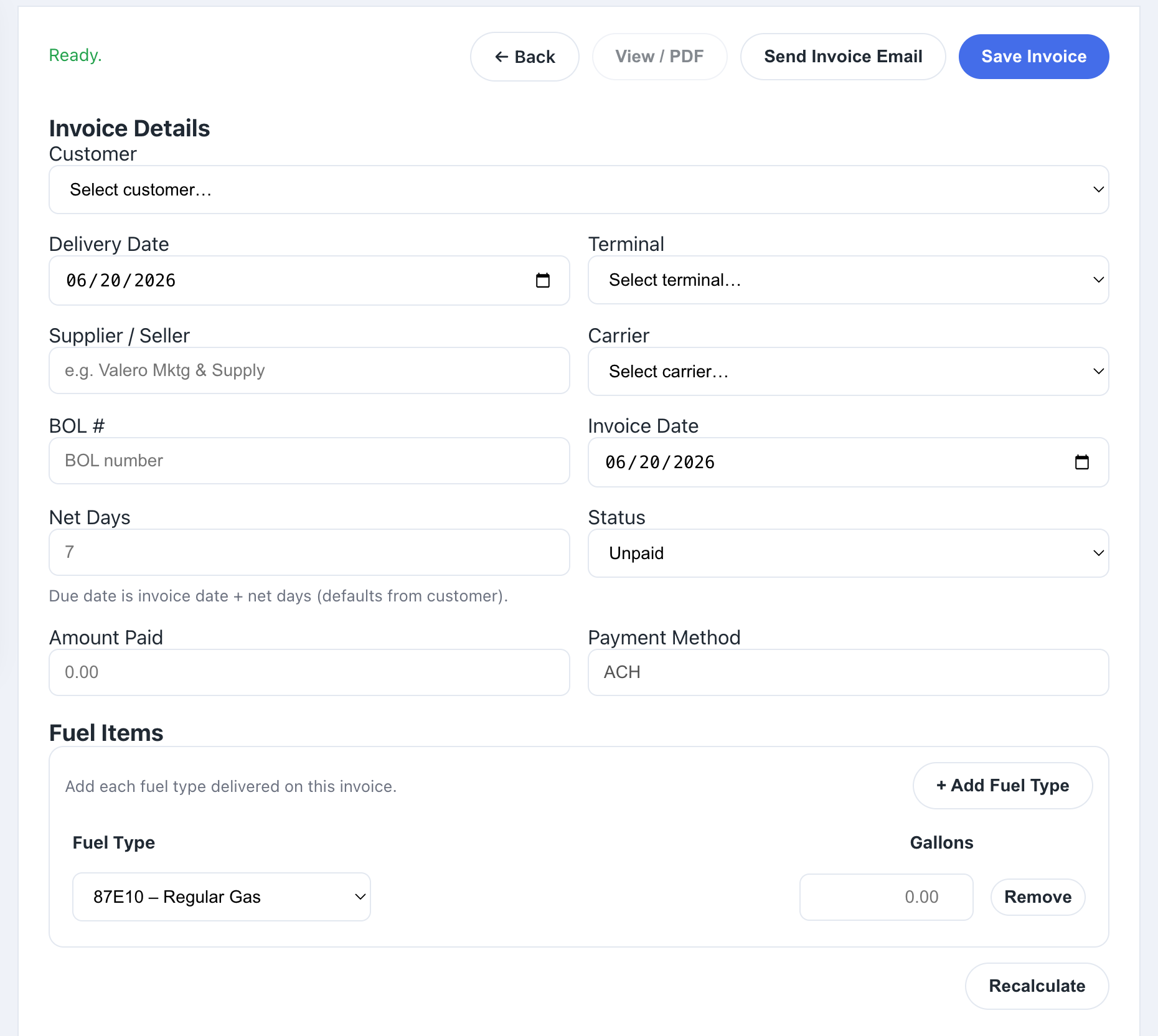
Once a load is verified, one click creates the customer invoice pre-filled from it — billed on exactly the gallons the supplier billed you, at the price that already passed the rack check. No re-typing from the BOL, no second entry to get wrong, and no invoice built on numbers nobody verified. The load, the freight bill, the supplier bill, and the customer invoice all tell the same story.
“Email Carrier” per load
“Email Run List” — all loads, one email
“Emailed” timestamp — no double-sends
No carrier login needed
Mark Delivered from the BOL
Carrier invoice PDF upload — batches too
Per-carrier invoice layouts
Freight bills matched by BOL
Supplier vs. carrier gallons check
Price checked against the day’s rack
Mismatches flagged before billing
One-click customer invoice
Book a 30-minute demo and we’ll walk you through the full platform — dispatch, verification, and billing included.
Book a Demo →